- Fair Mode
- Business cards
- Trade fairs
Fair Mode: how a business card becomes a customer at the stand
The steps of Fair Mode, from picking the fair to scheduling the follow-up: card scan, QR, quick form and voice note, all without internet.
Published: · 3 min read
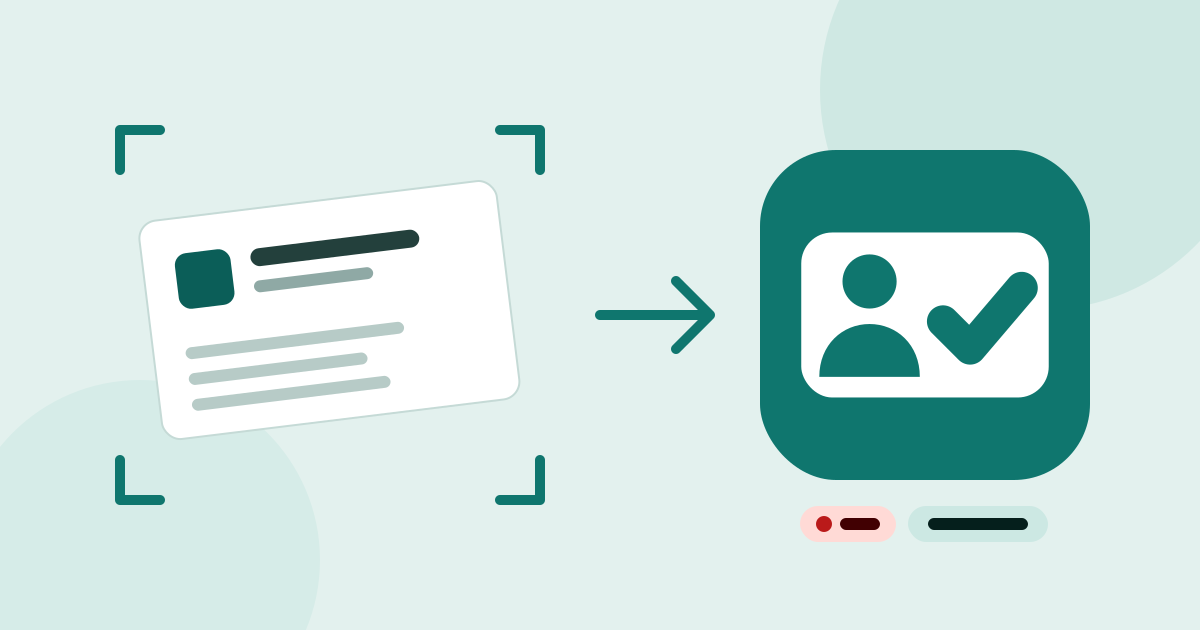
At a fair, a business card goes into your pocket in two seconds, and two weeks later it is often lost in a drawer. Müşterim’s Fair Mode exists to close that gap: the moment you take the card, the customer, the contact person, the fair and the follow-up come together in one record.
Before the fair: pick the fair
The TOBB trade fair calendar lists 446 domestic fairs in Turkey for 2026 (TOBB Fuar Takvimi). They come ready in Müşterim: start typing the name and pick it with its dates, venue and organiser. You add any fair, conference or meeting that is not on the list yourself. If you like, set a daily goal: “40 people today”.
At the stand: start Fair Mode
With Fair Mode running, you capture in one of four ways:
- Scan the business card. The phone scans the card like a document and recognises the text on the device; name, title, company, phone, e-mail, website and address land in the right fields. Our parser knows Turkish characters and the usual layout of Turkish business cards.
- Scan a QR code. If the card or the visitor badge carries a vCard or MECARD code, it becomes a contact in one go.
- Quick form. For a visitor without a card, a name and a company are enough; you complete the rest later.
- Voice note. Say the gist of the conversation; the phone transcribes it on the device and the note is saved as text.
You see and correct every field before saving. The card photo never leaves your phone; only the fields you confirm are saved.
One tap, four jobs
When you tap “Save”, Müşterim:
- Finds or creates the company. If it is already in your customer book, it uses that one instead of creating a duplicate.
- Finds or creates the contact person and links them to the company. You can also save someone whose company you do not know yet and add it later.
- Links the encounter to the fair. Which fair you met at, the interest level (hot, warm, cold) and your note live on this encounter.
- Schedules the follow-up. The person lands on the fair’s follow-up list, and you are reminded when it is due.
The counter goes up with every capture. While Fair Mode runs, you can watch how far you are from your goal in a live update on Android and in a Live Activity on the iPhone lock screen.
Even with no signal in the hall
Mobile connections in fair halls are often weak. No step of Fair Mode needs the internet: scanning, text recognition, matching and saving all happen on your phone. If you are signed in, your records sync by themselves when a connection is back. We explain why it works this way in a separate article.
After the fair
When the fair is over, the real work starts. Every fair has its own follow-up list, so you see at a glance who is still waiting to hear from you. What to watch in the first days is in following up after a fair.
In short
- Pick the fair from the TOBB list, or add it yourself.
- Start Fair Mode; capture by card, QR, form or voice.
- Set the interest level and save: customer, contact, fair and follow-up are ready in one tap.